
Project No 01c
Lia Go
Designing the UX for multi-agentic AI — 60+ prototypes across four version branches.
This case study is gated. Enter the access key to view Lia Go in full. Access persists for the rest of this session.
Designing the UX for multi-agentic AI — 60+ prototypes across four version branches.
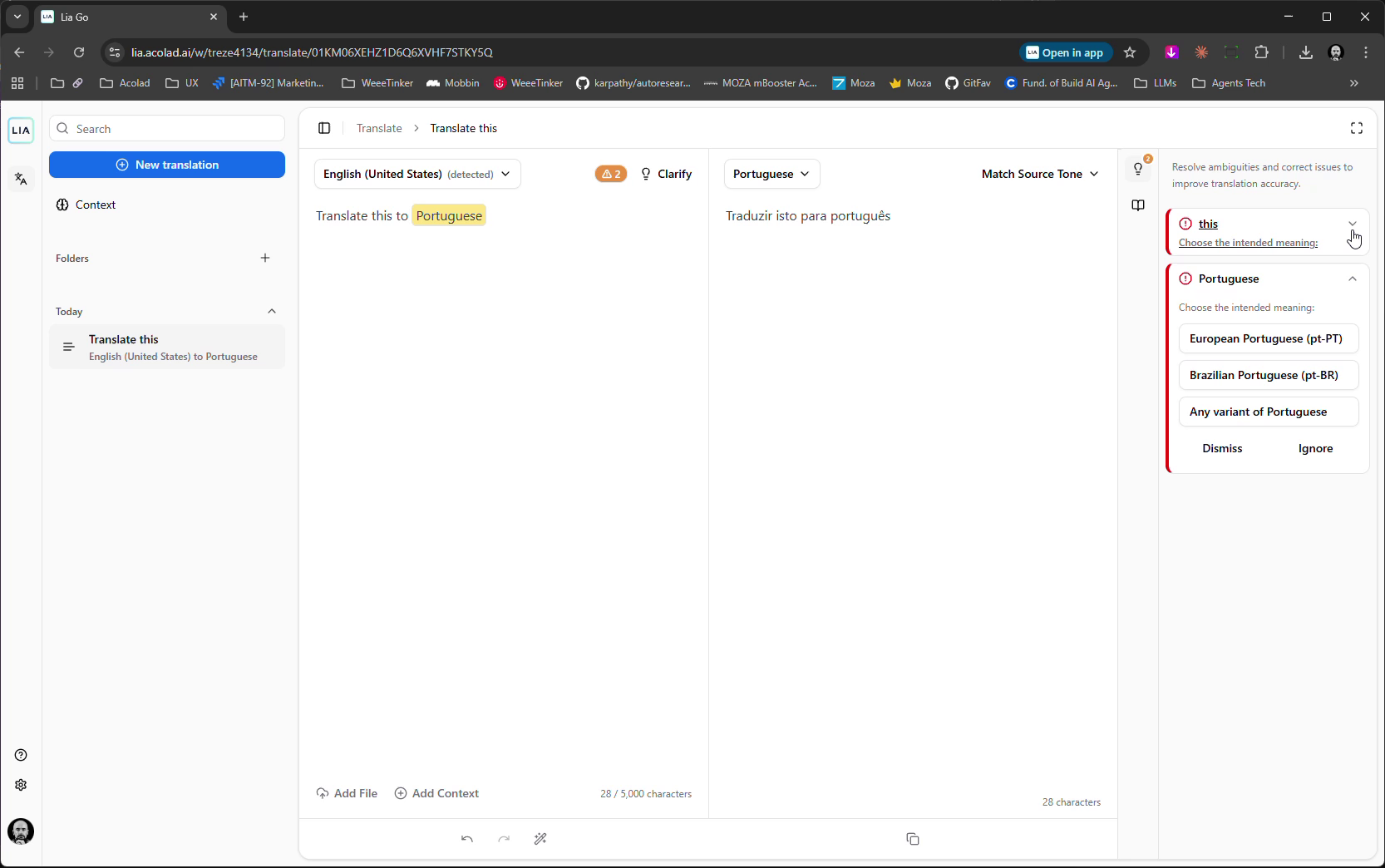
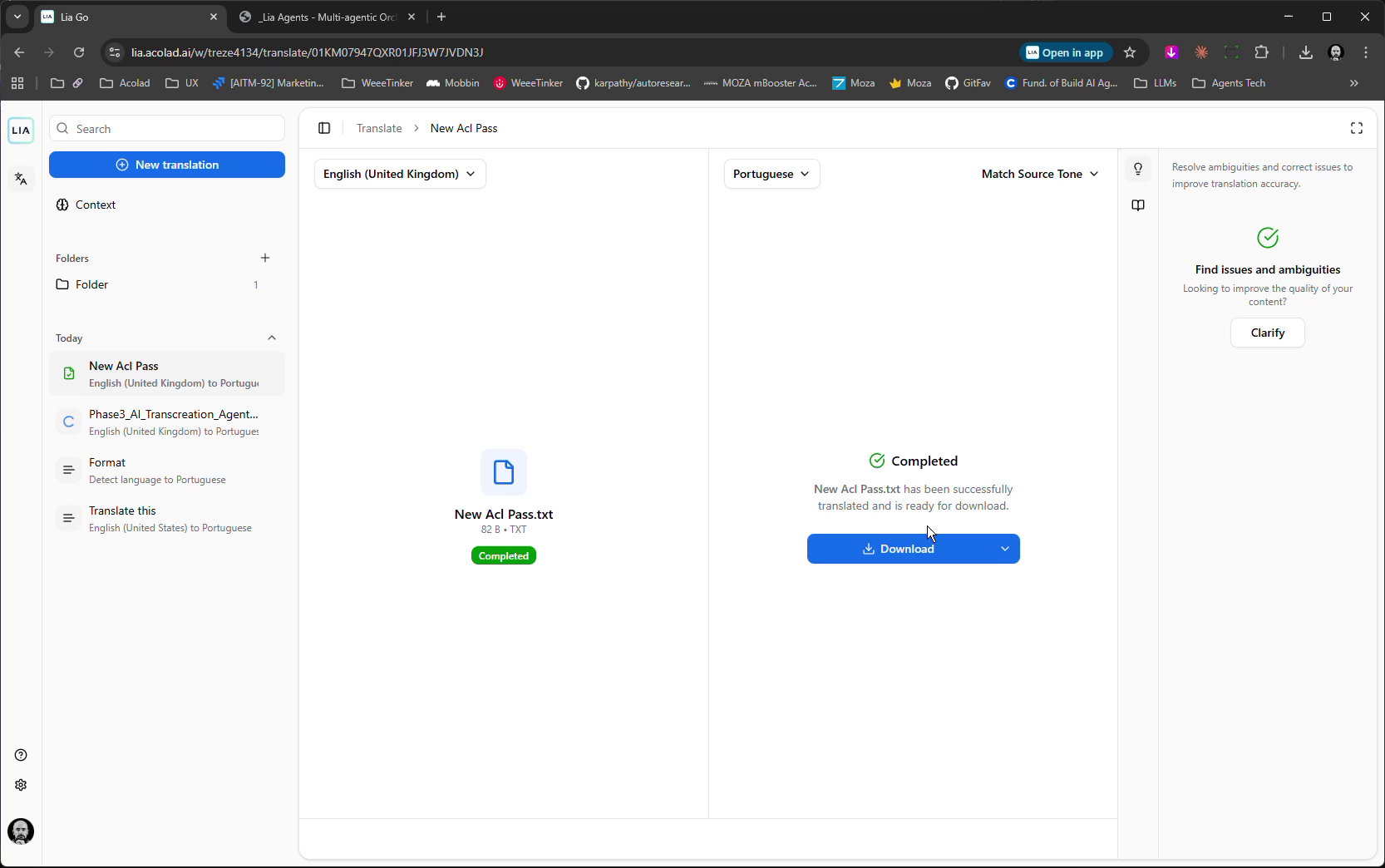
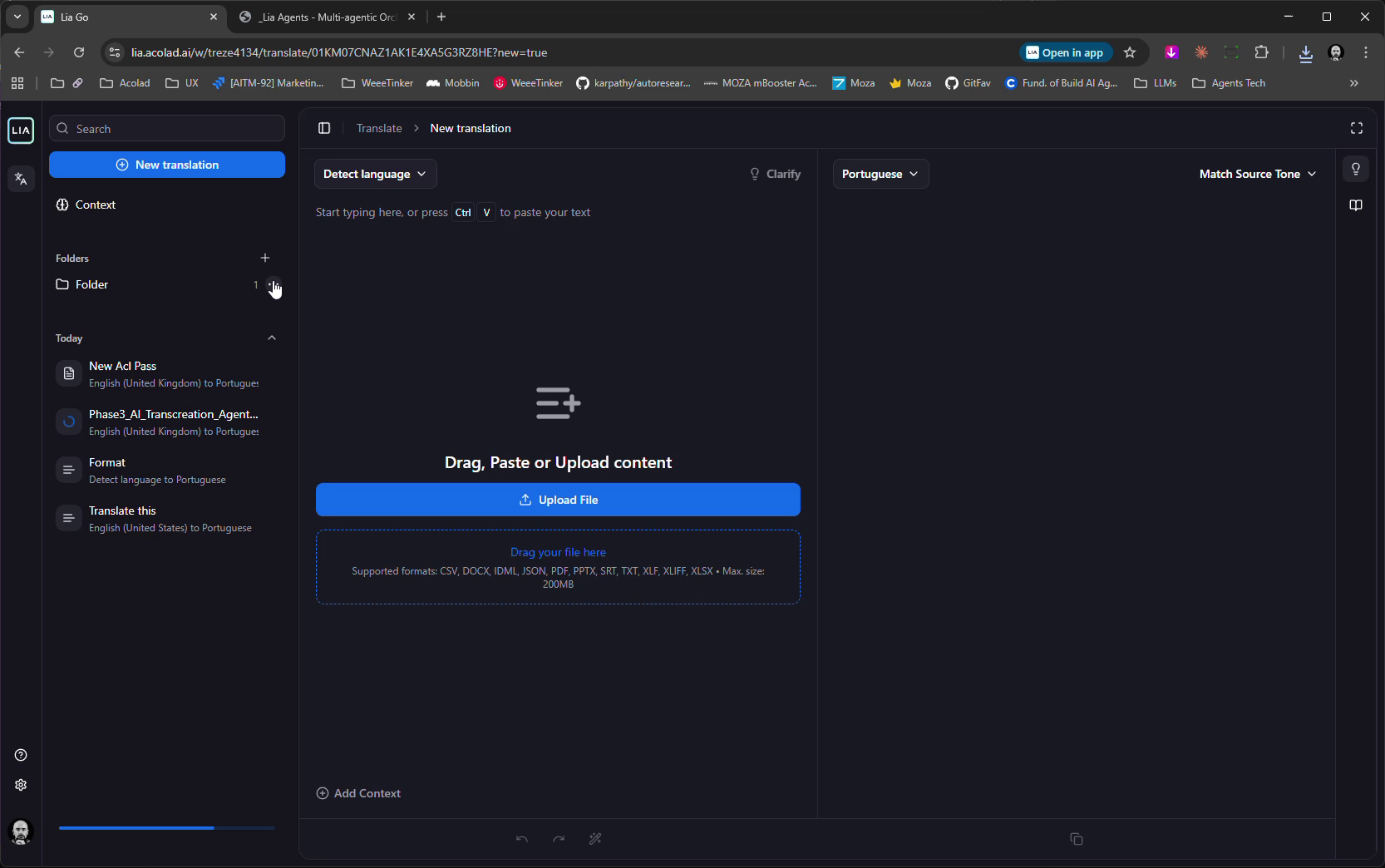
Lia Go is Acolad's flagship multi-agentic orchestration platform. A COO agent orchestrates Project Manager agents, who manage Specialist agents for translation, summarization, SEO, and content generation. Pedro designed the interaction model that makes this complex system intuitive for non-technical users, delivering 60+ Figma prototype iterations across 4 major version branches.
Multi-agentic AI is a fundamentally new UX problem. Users must understand what autonomous agents are doing, why they made decisions, and how to intervene — without technical knowledge. Finding the right balance between conversational (chat), hybrid (chat + UI), and full UI-driven (dashboards, editors, workflows) paradigms.
The platform needed to support 9 distinct use cases: document digitization, smart summarization, guided content creation, video subtitling, AI transcreation, marketing content generation, multilingual SEO, MT evaluation, and SEO-enhanced post-editing. One interface framework, nine workflows.
User interviews with Leonardo and Jacqueline (Sep 2025). Competitive analysis of agentic AI platforms and workflow builders. Created a "Wall of Experience" mapping stakeholder journeys and pain points.
Three interaction paradigms tested: conversational bottom-up, conversational top-bottom, and hybrid UI + chat. Each explored through dedicated prototype branches.
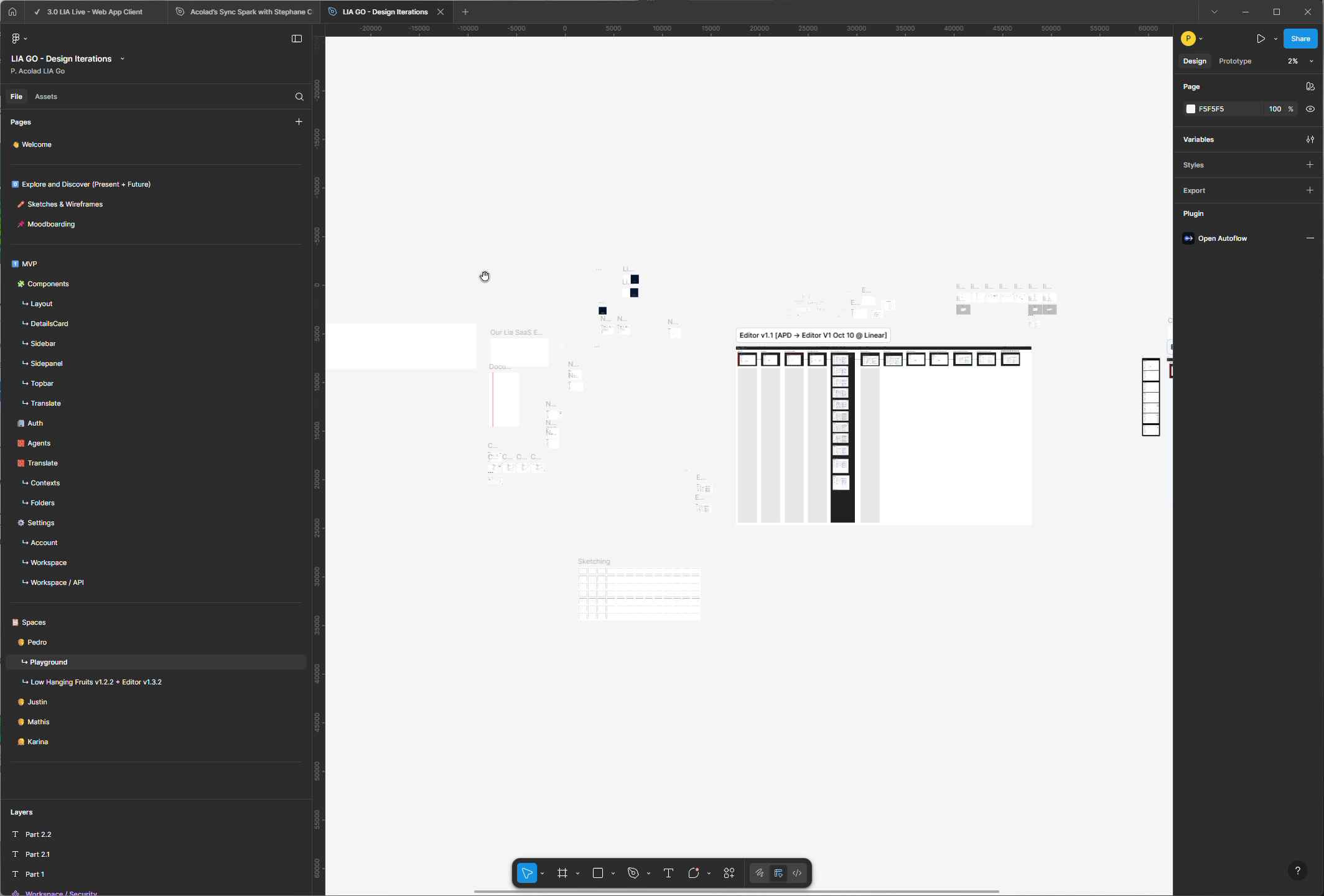
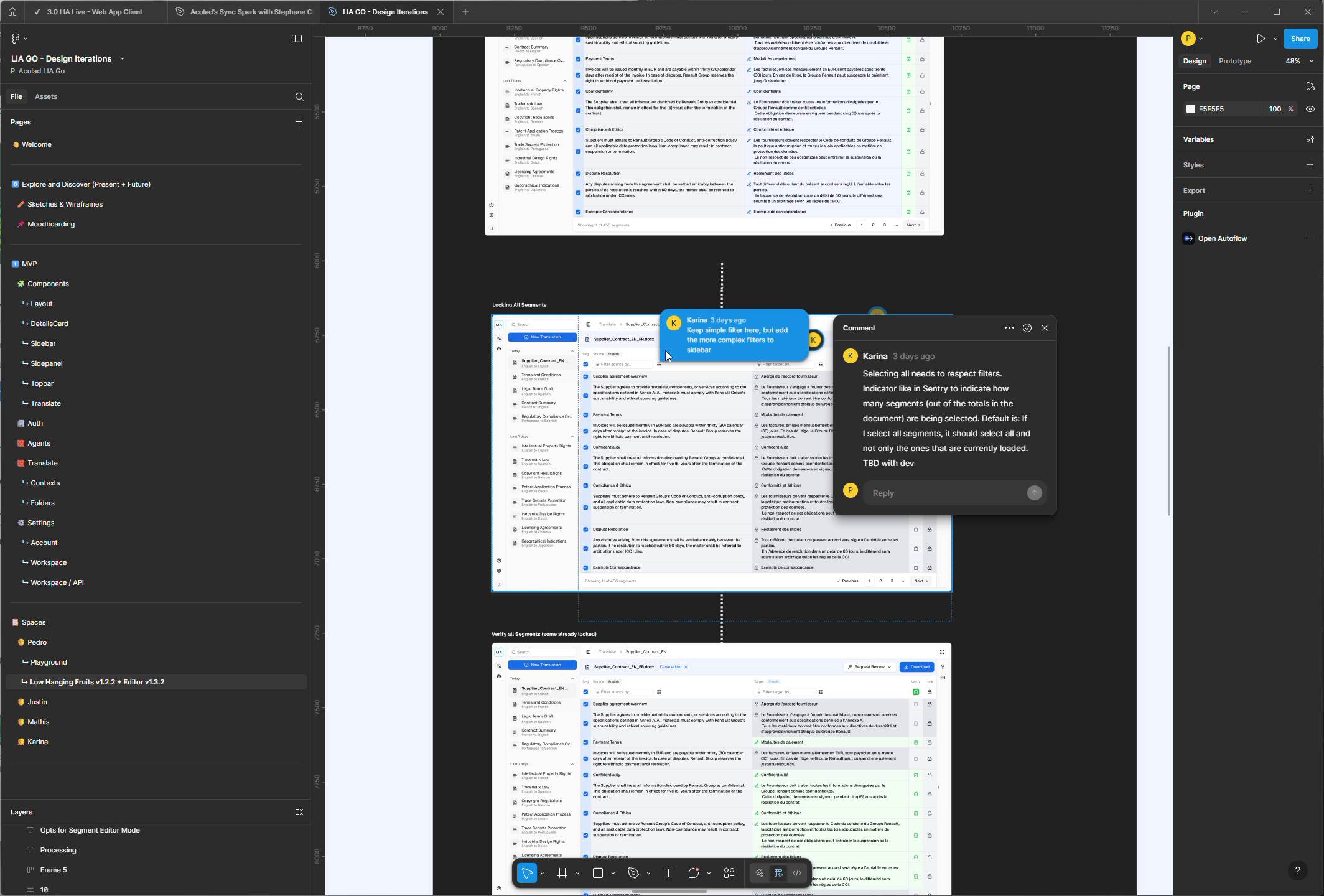
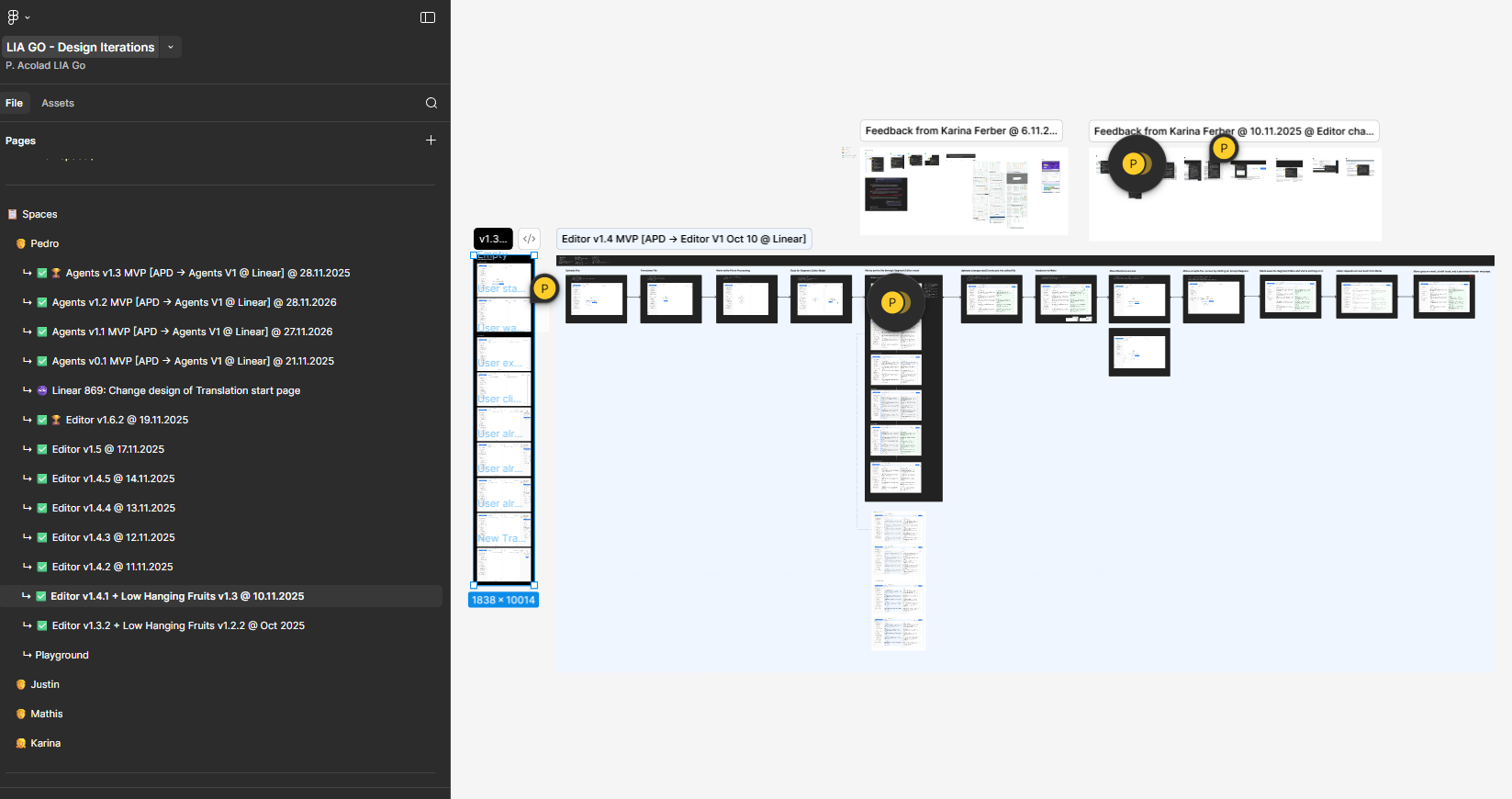
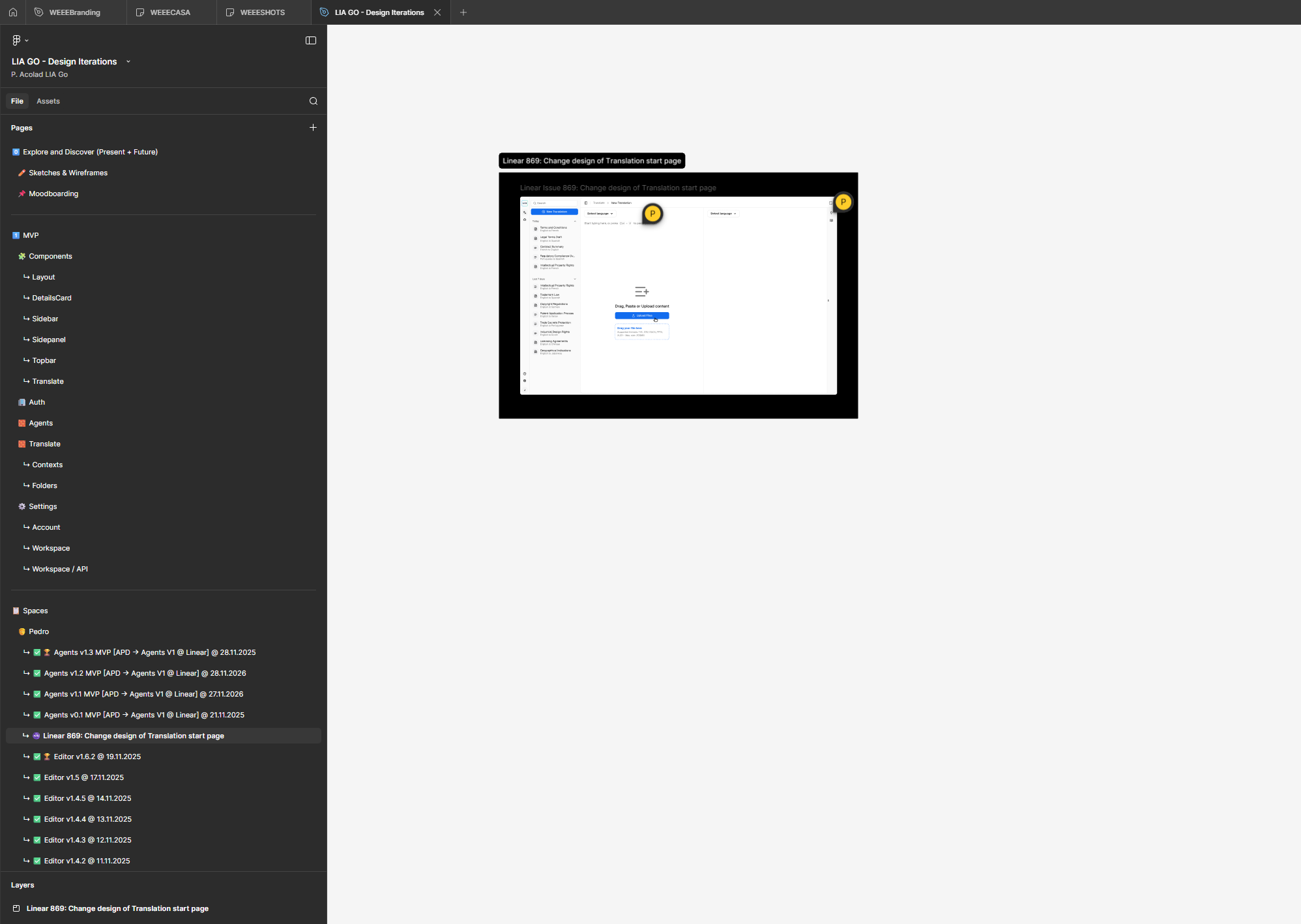
60+ Figma iterations across 4 major version branches (v0.1-v0.9 concepts, v0.10 validation, v2-v4 refinement). Agent configuration panels, execution monitoring, prompt editors. Design system and component library established.
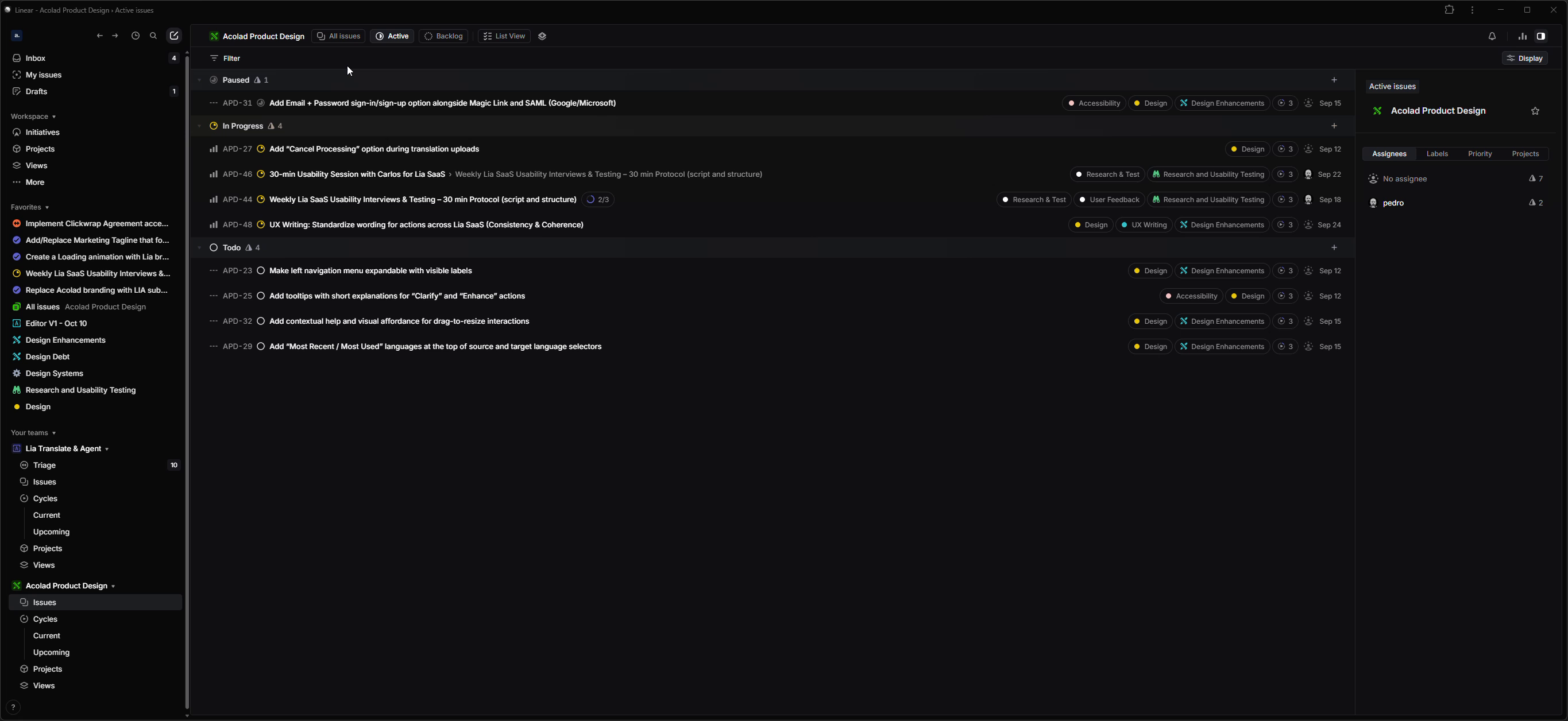
Recorded Figma design system walkthrough. Documented design-to-development workflow in Linear. Established handoff practices between design and engineering.
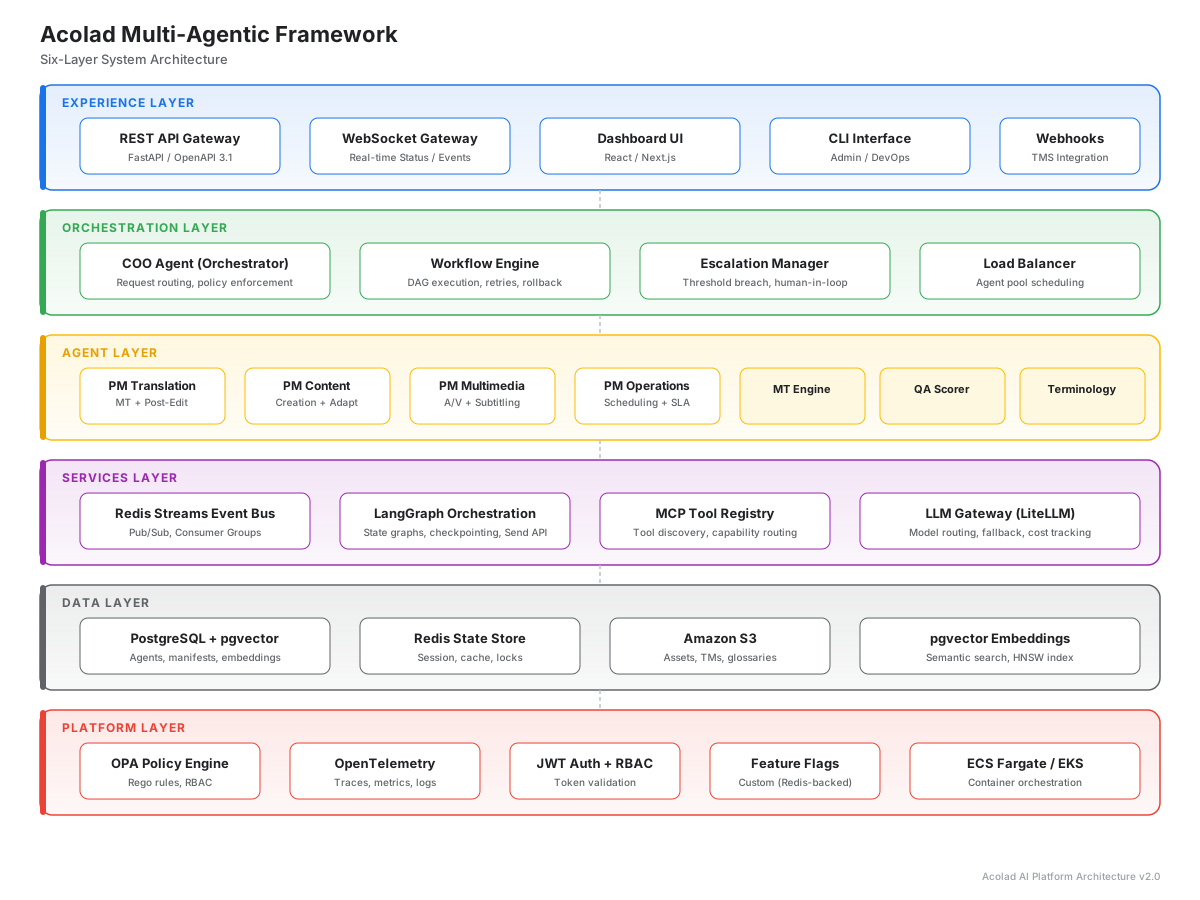
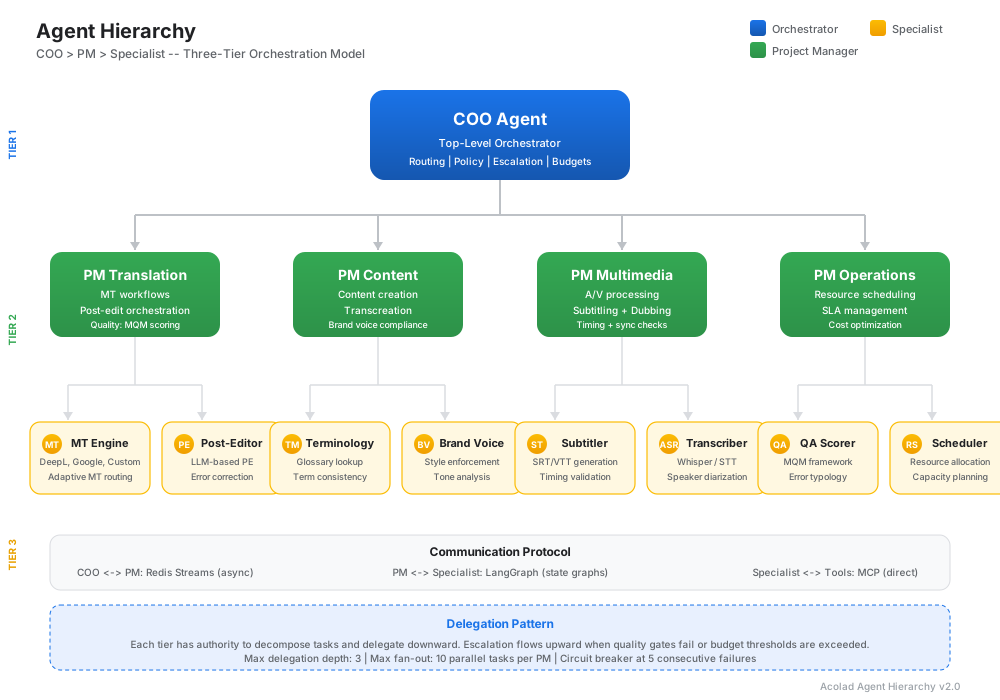
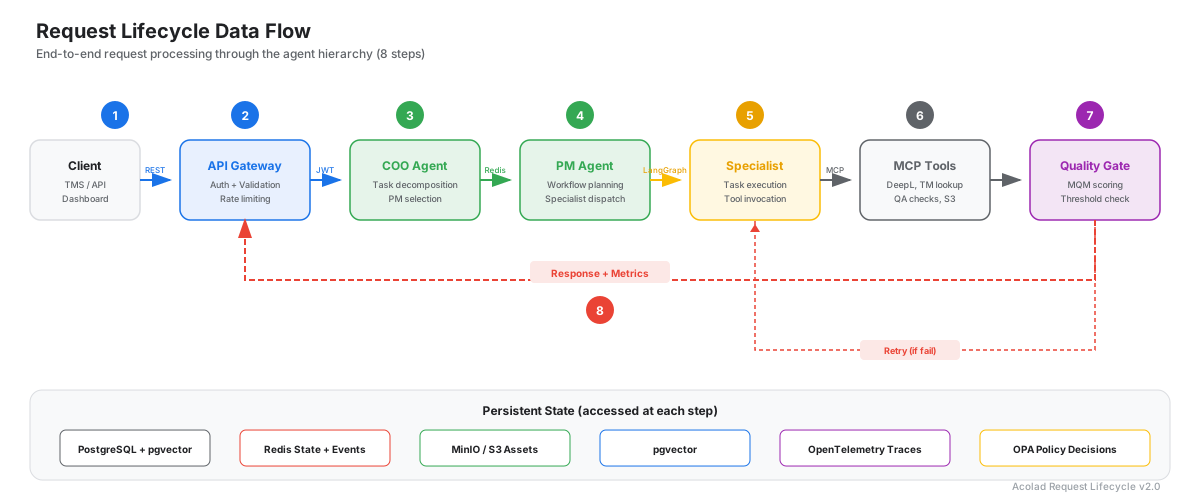
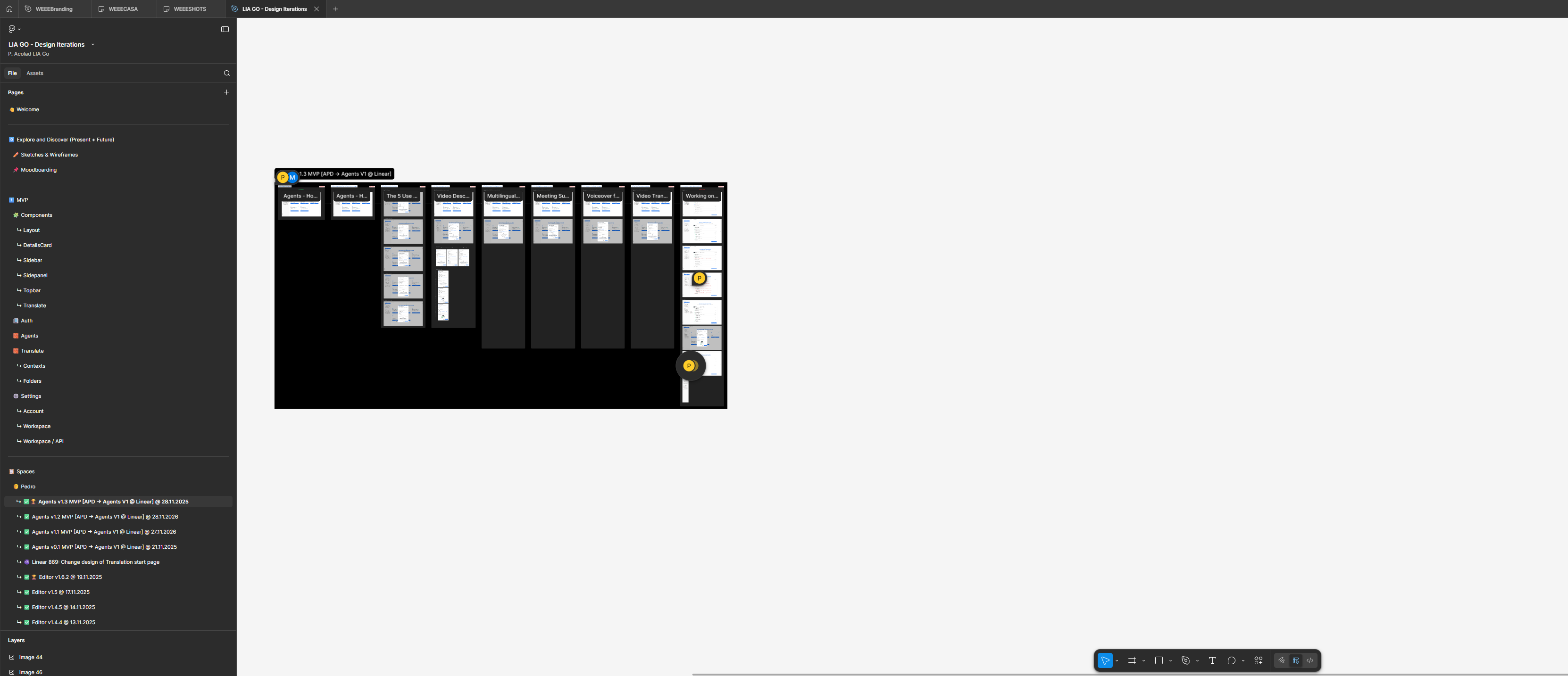
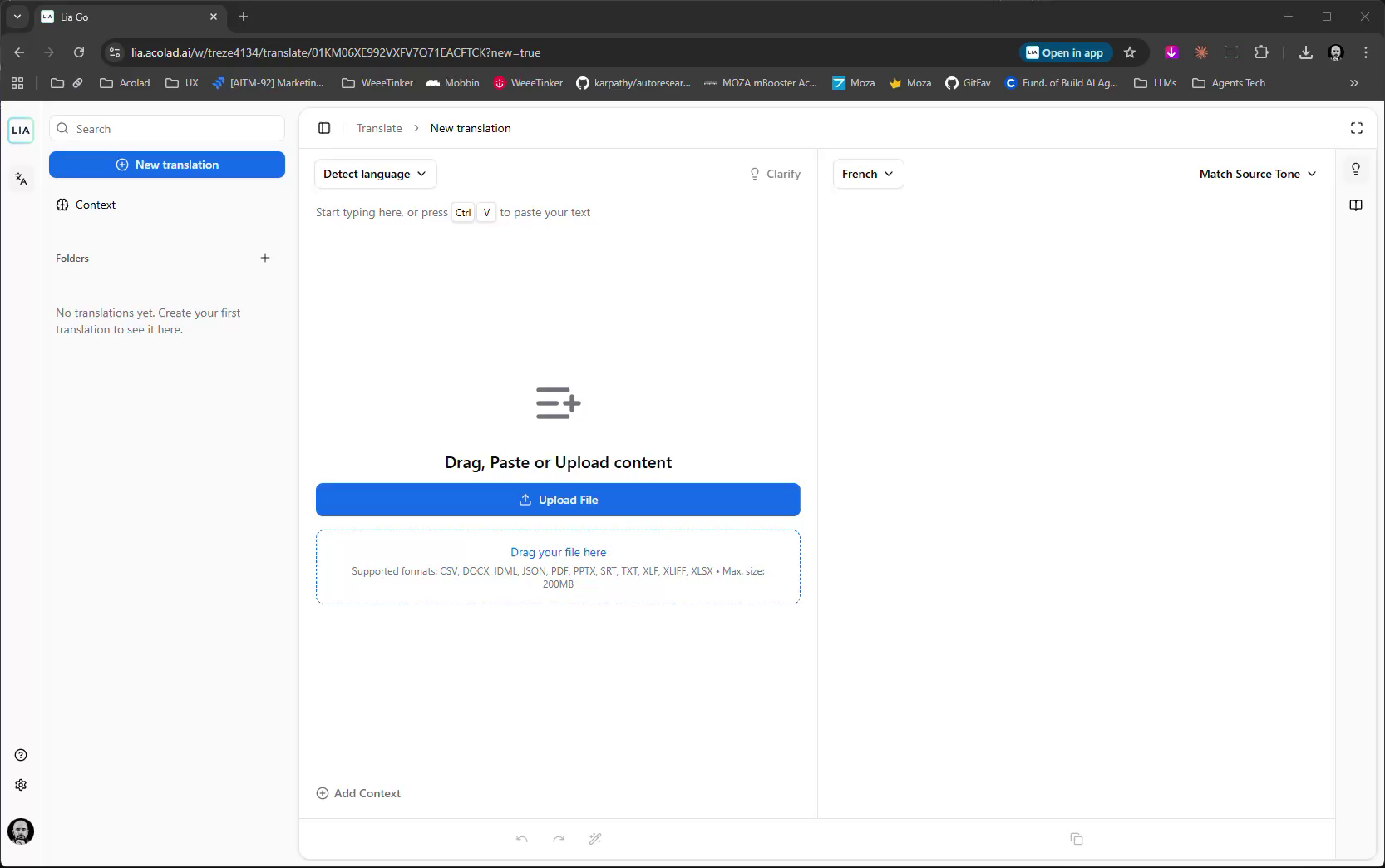
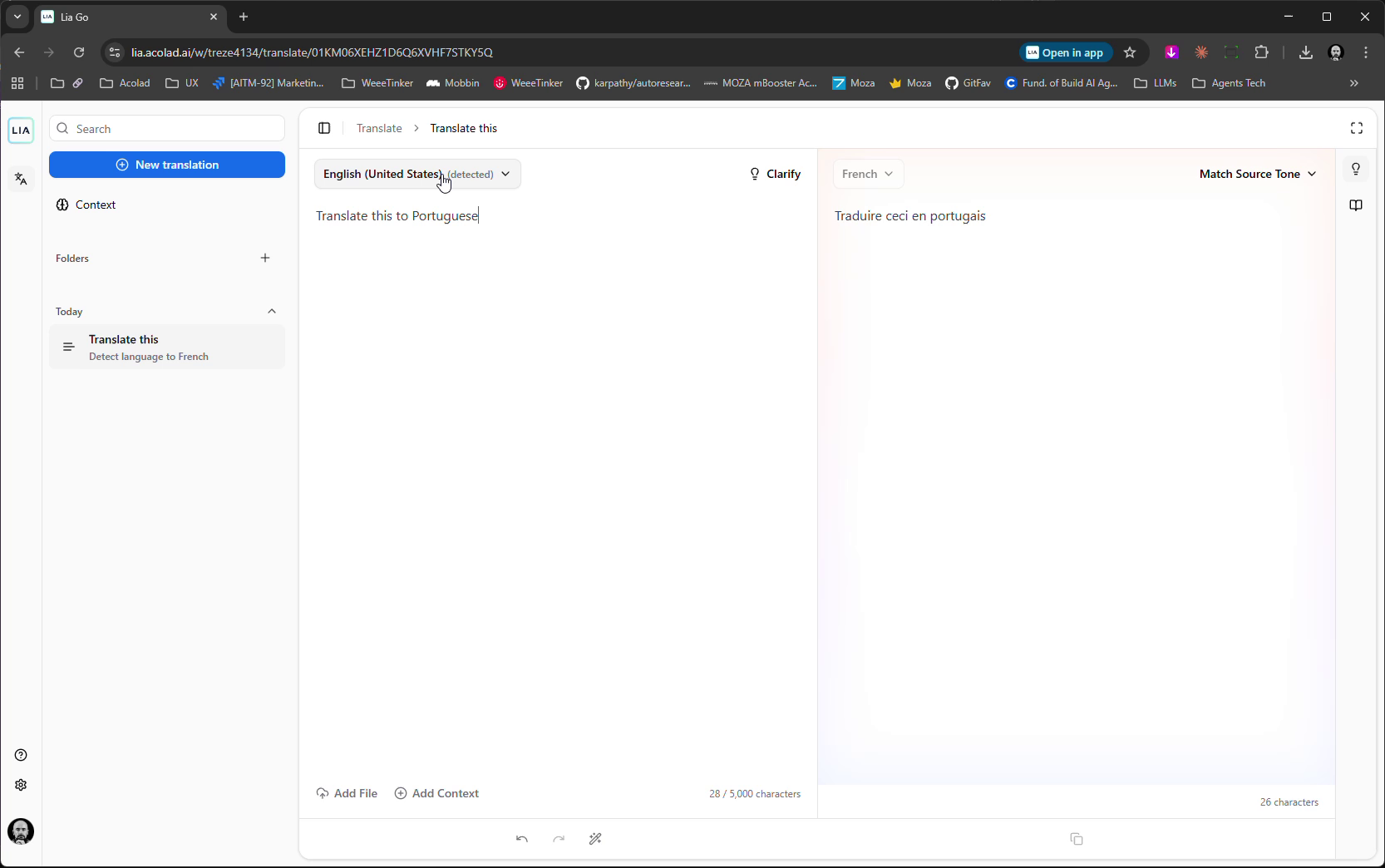
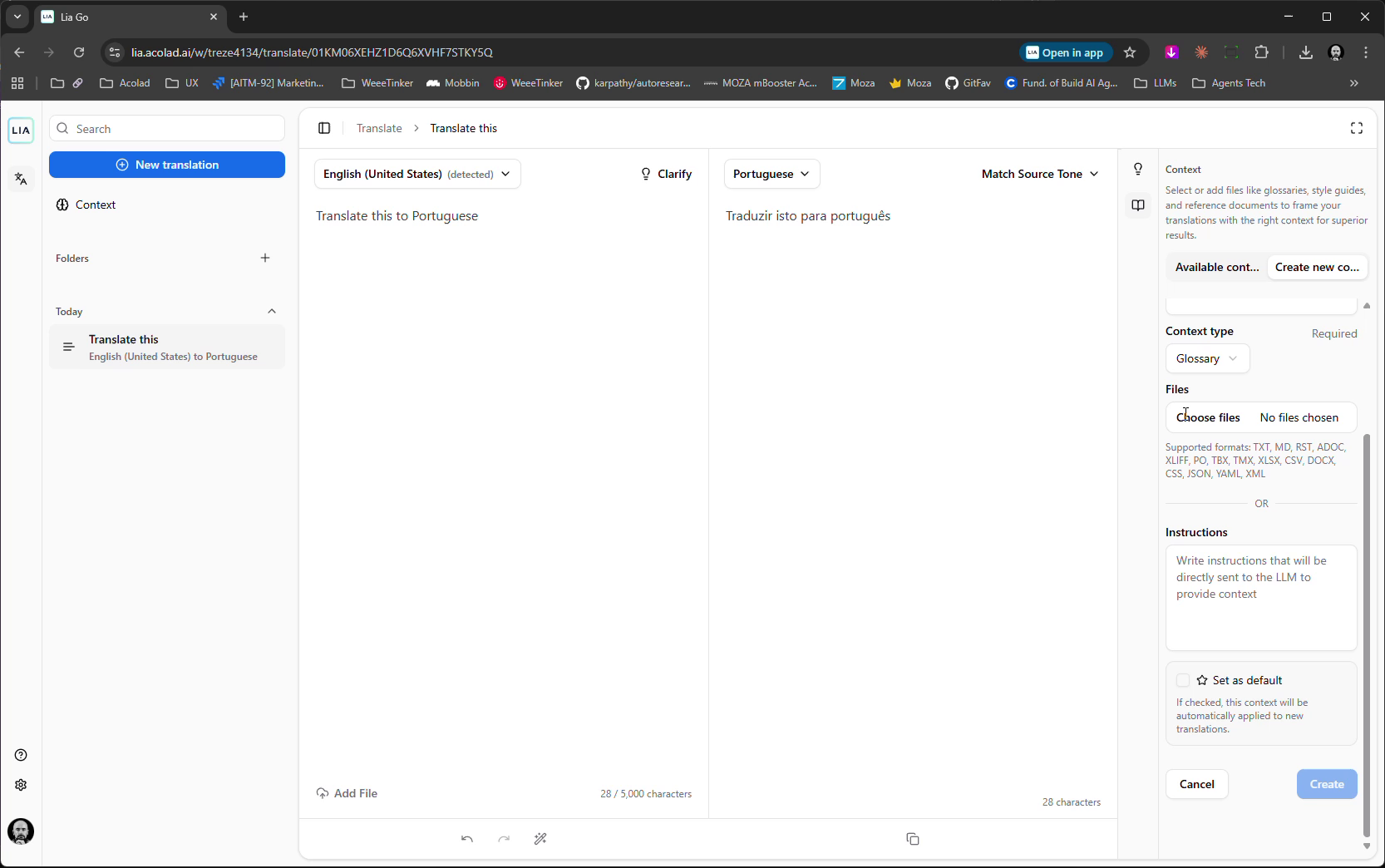
The hardest design problem wasn't the interface — it was deciding what to show and what to hide. Autonomous agents make hundreds of decisions per task. Users need to trust the system without being overwhelmed by its complexity. — Pedro Rodrigues
Quantitative outputs from the multi-agentic orchestration platform design engagement.
The tension between the three interaction paradigms — conversational, hybrid, UI-driven — defined the entire engagement. Early prototypes tried to pick one. The breakthrough was realizing different use cases demanded different paradigms — document translation benefits from a UI-driven workflow, while ad-hoc queries work better conversationally. The design system had to be flexible enough to support all three.
Next time: start with the use cases, not the paradigm, and let the interaction model emerge from the workflow.